
Scenario Edit Mode
This section describes the basic function of the Scenario Edit Mode.
Go to Scenario Edit Mode
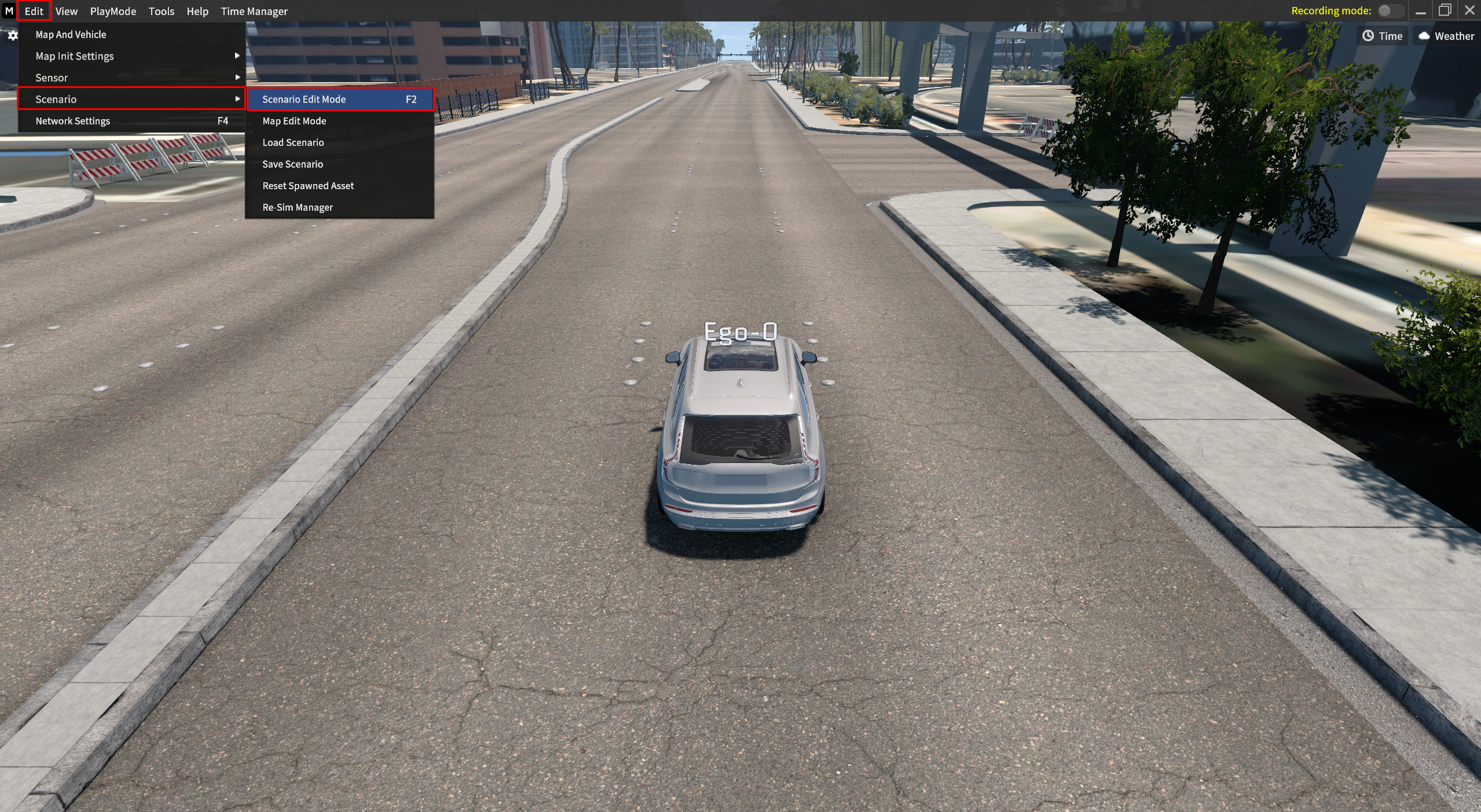
You can save, load, and reset the scenario via Edit > Scenario > Scenario Edit mode.
Scenario Edit Function
1] Save Scenario
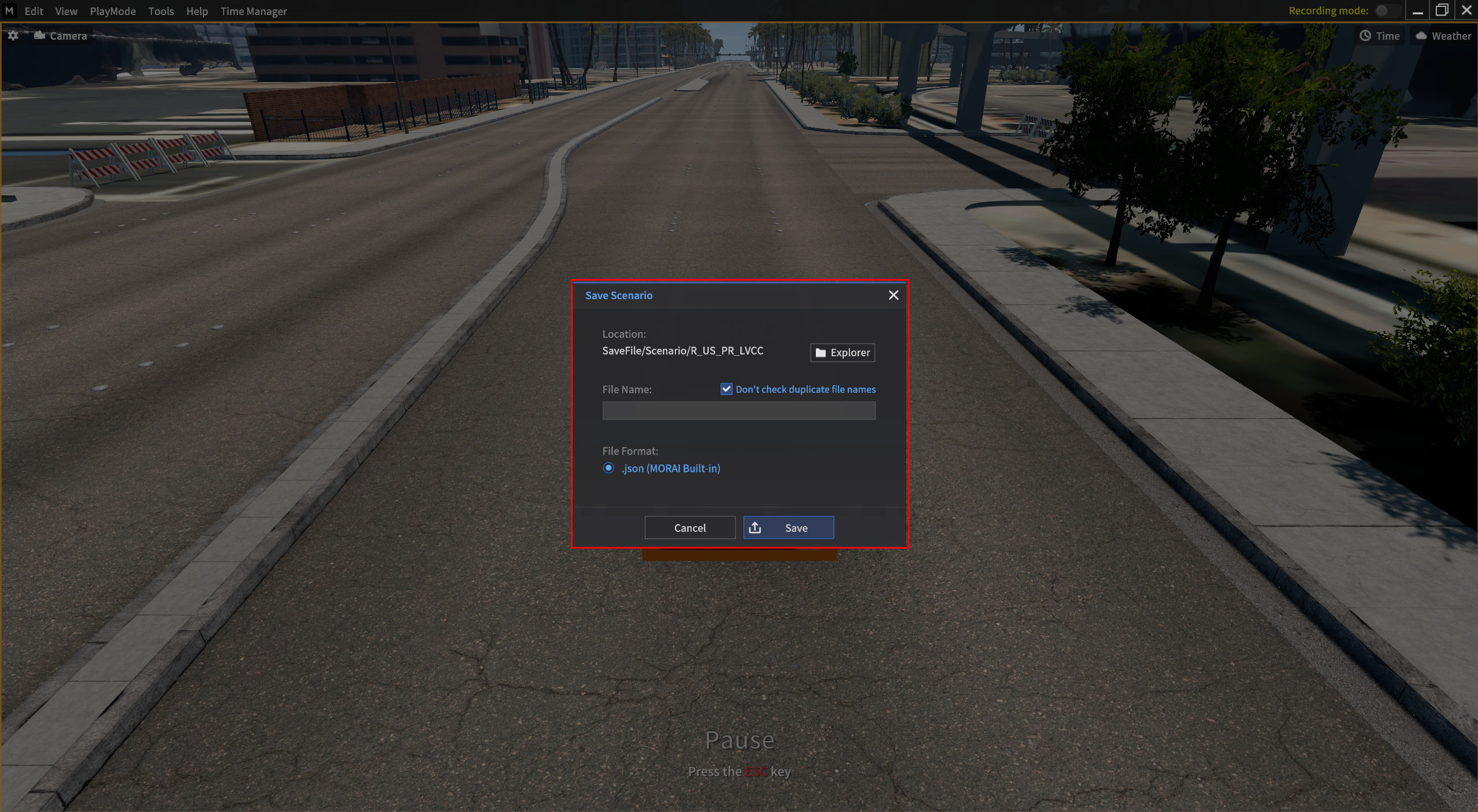
Go to Edit > Scenario > Save Scenario.
You can save the scenario of current active Ego-vehicle, Sur-vehicle, Pedestrian, and Object information.
2] Load Scenario
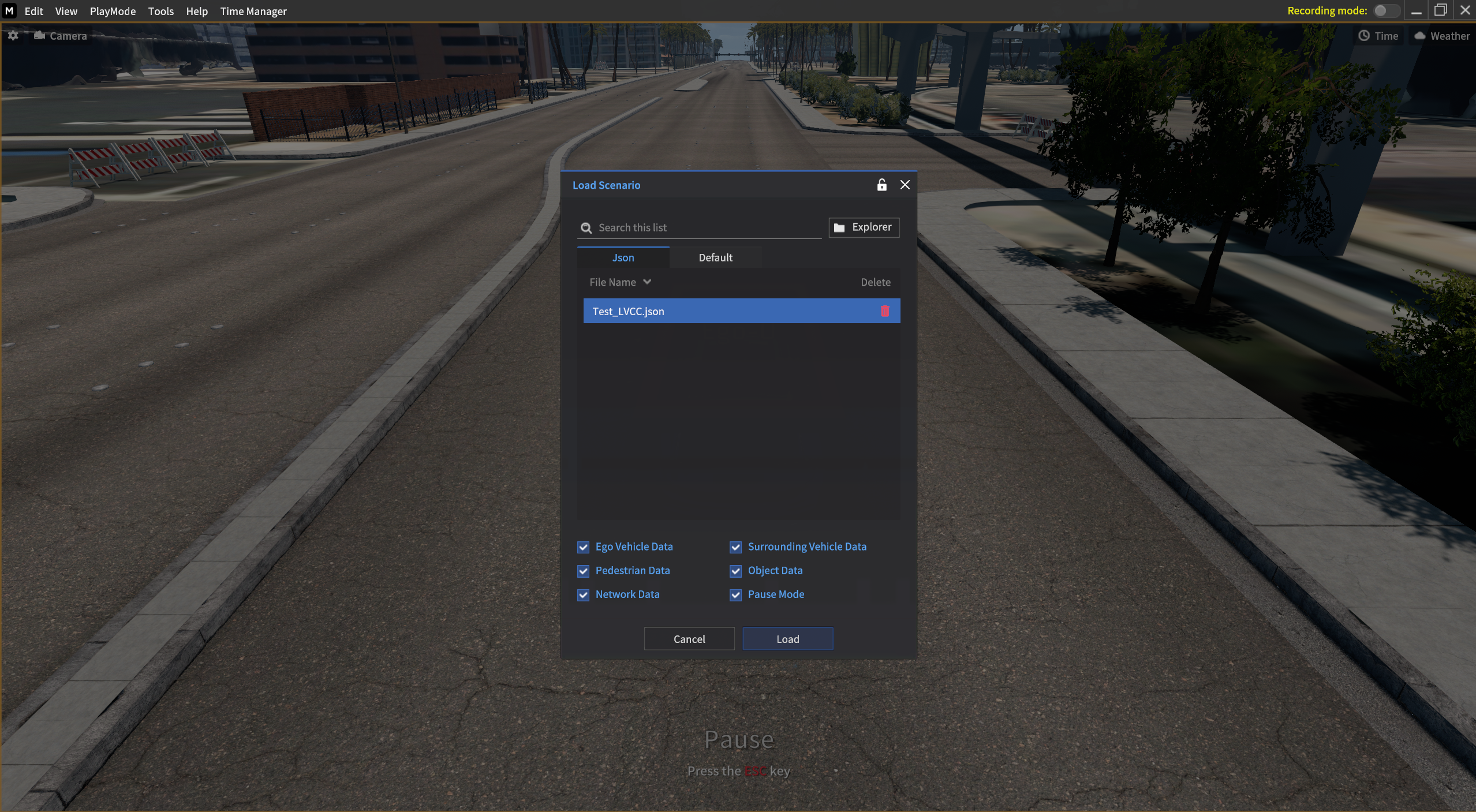
Go to Edit > Scenario > Load Scenario.
You can load the scenario of current active Ego-vehicle, Sur-vehicle, Pedestrian, Object, and Network Setting information.
If you load a scenario file (.json) and there is no vehicle to load in your account options, a Default vehicle is created and loaded.
Spawn Objects List
Applicable Default vehicles
Sedan : 2017_Hyundai_Grandeur
SUV : 2016_Hyundai_Santafe
Bus : 2016_Hyundai_Universe
Truck : 2012_Hyundai_HD65
Wagon : 2015_Toyota_Prius(HEV)
MPV : 2020_chlyser_pacifica_hybrid
Not applicable Default vehicles
Custom
3] Reset Scenario
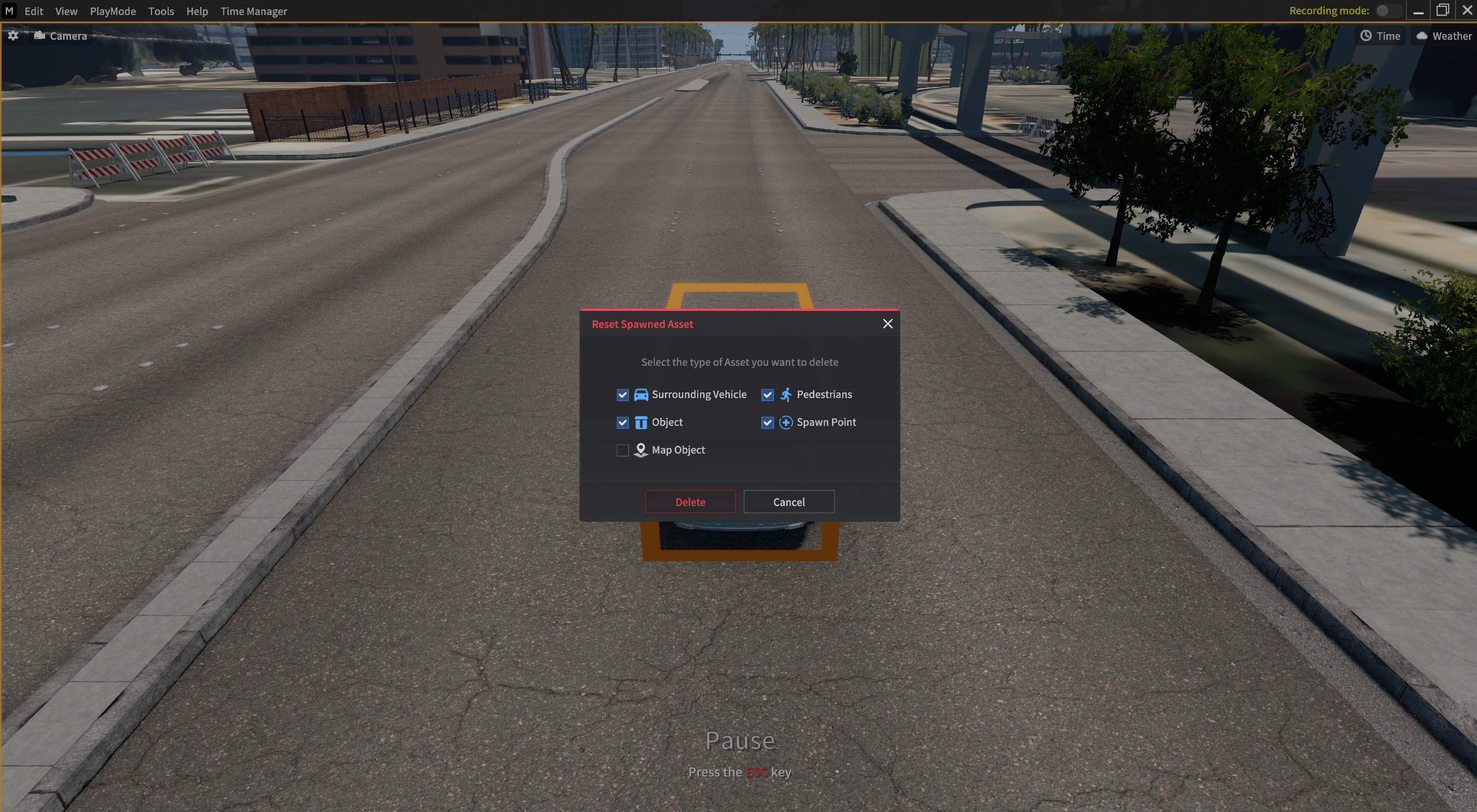
Go to Edit > Scenario > Reset Spawned Asset.
You can select and delete and below active scenarios in the current map in Reset Spawned Asset.
Vehicles
Pedestrians
Objects
Shaded Area

The term Denied Area has been changed as below.
Denied Area → Shaded Area