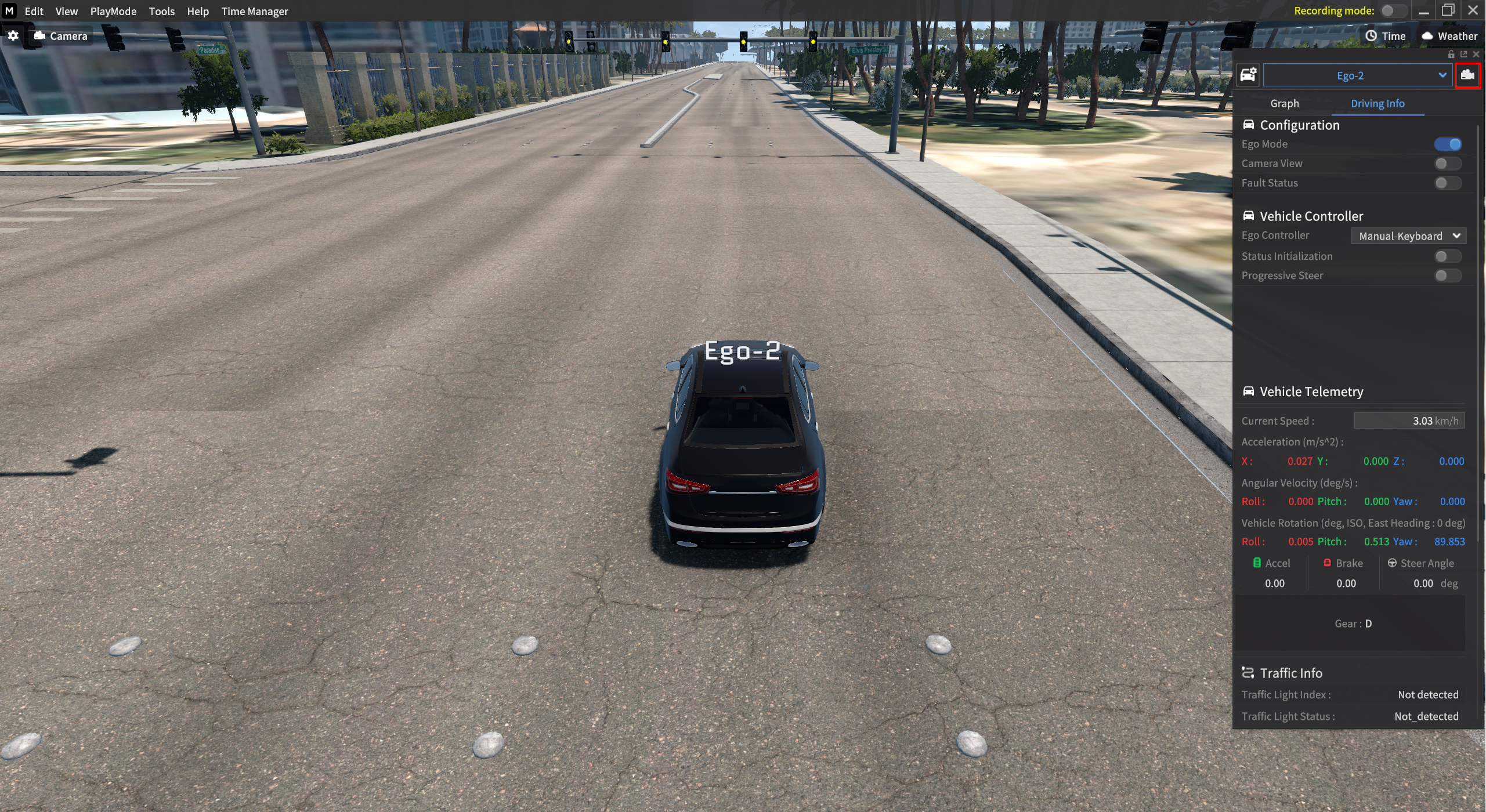
Multi Ego Vehicle
This section describes the process on how to control the Sur-vehicle’s network and so on as you control the Ego-vehicle.
Set to Multi Ego
1. Spawn Sur-vehicle
: Go to Edit > Scenario > Scenario Edit mode to spawn the Sur-vehicle to the desired position.
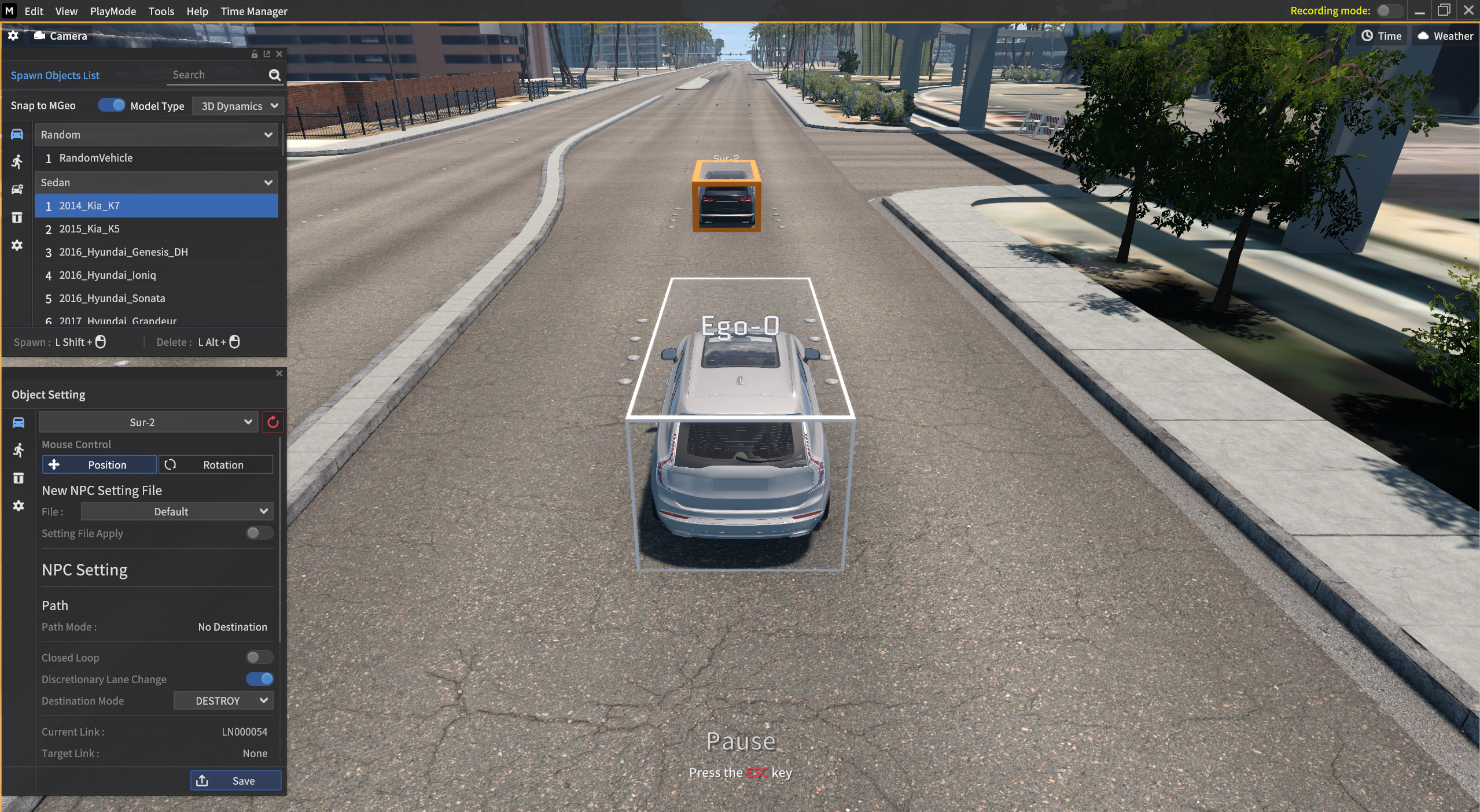
2. Click the Sur-vehicle to access to its Driving Info
: You should set the Ego-0 vehicle in advance in Network Settings.
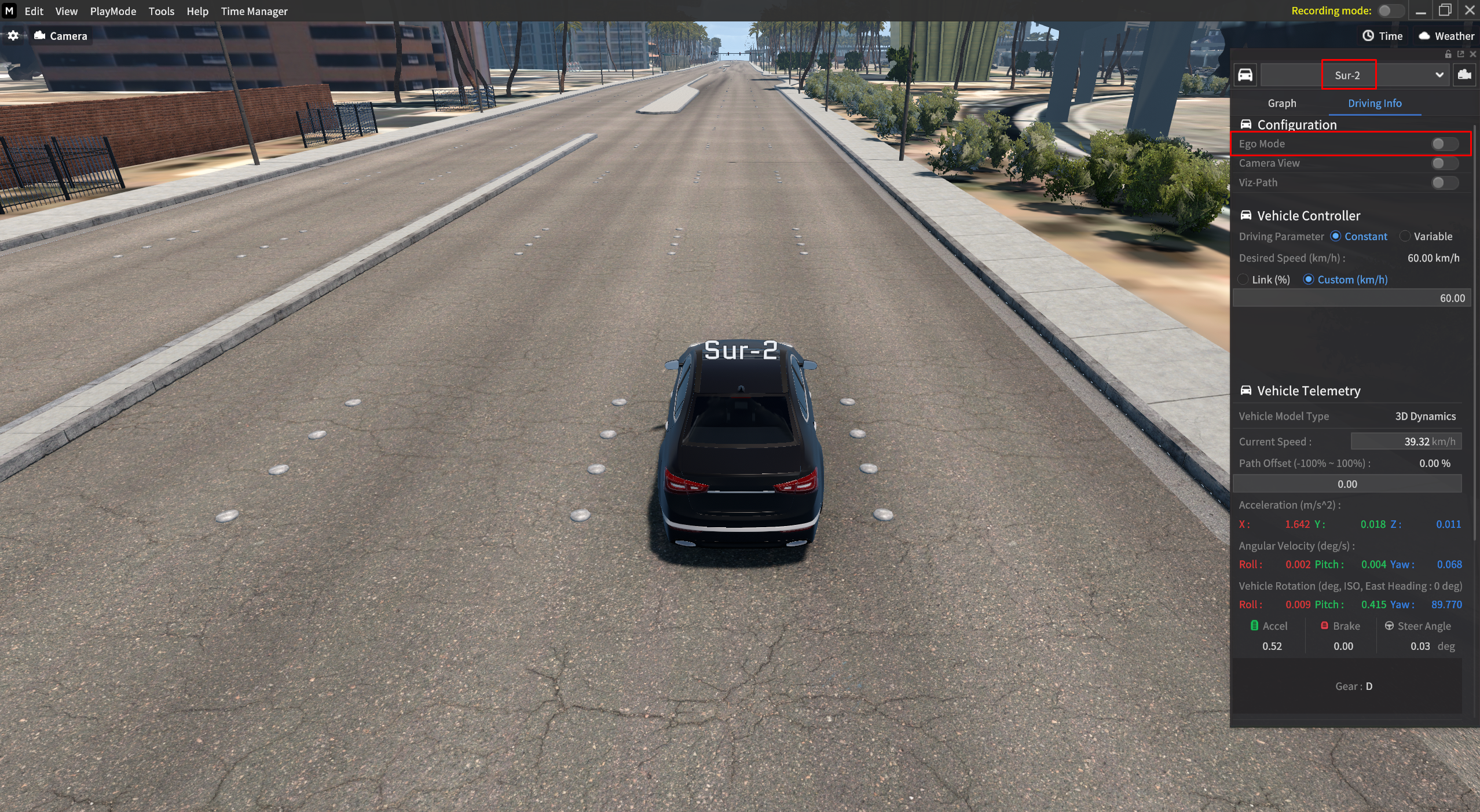
3. Click Ego Mode in Network Settings
: Clicking Ego Mode button opens its Network Settings.
Set the network of the Ego - 2 and you can control its network as you can of Ego-0.
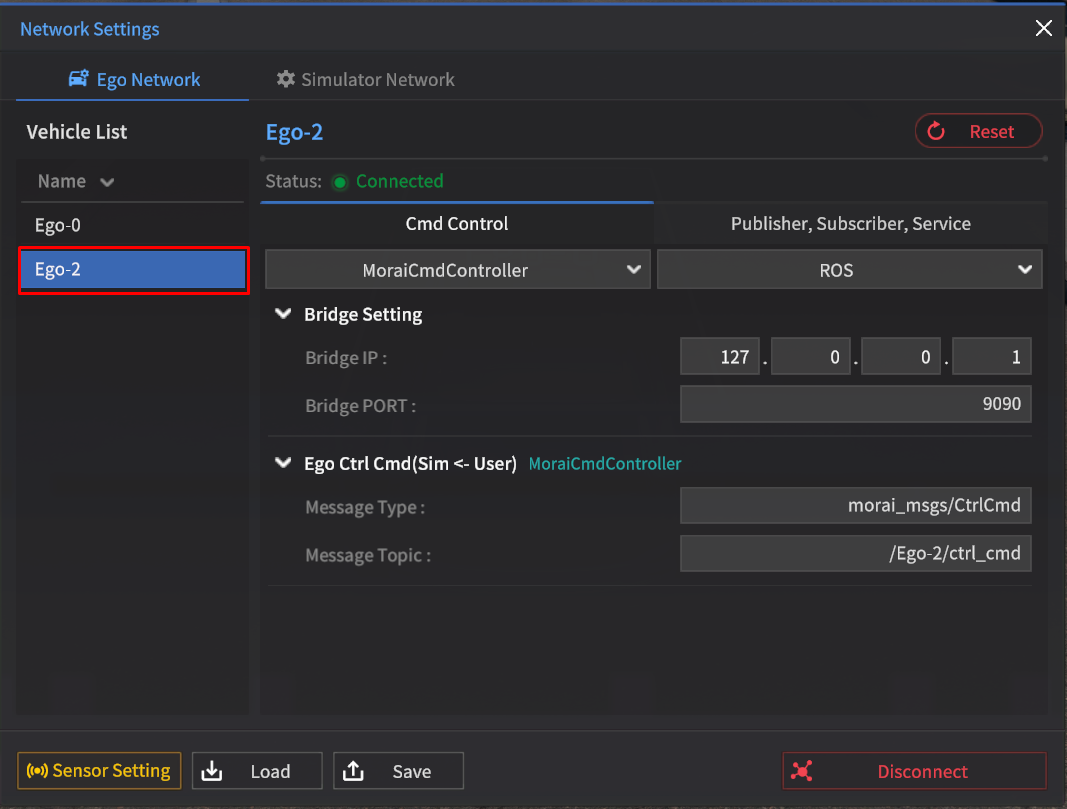
When Ego Mode is activated, the Vehicle Info opens and it changes to the panel of Ego-0.
You can check the Vehicle List of the Ego Vehicle on the left side of the Network Settings, and you can switch to the desired Ego Setting by clicking the mouse.
4. Network and Keyboard Control of Ego-X vehicle
: For the keyboard control, you need to press the camera button in the Vehicle Info to focus the camera in order to control the Keyboard/Network functions of the vehicle.