ROS: TF
This section describes the TF (Transform) function in ROS.
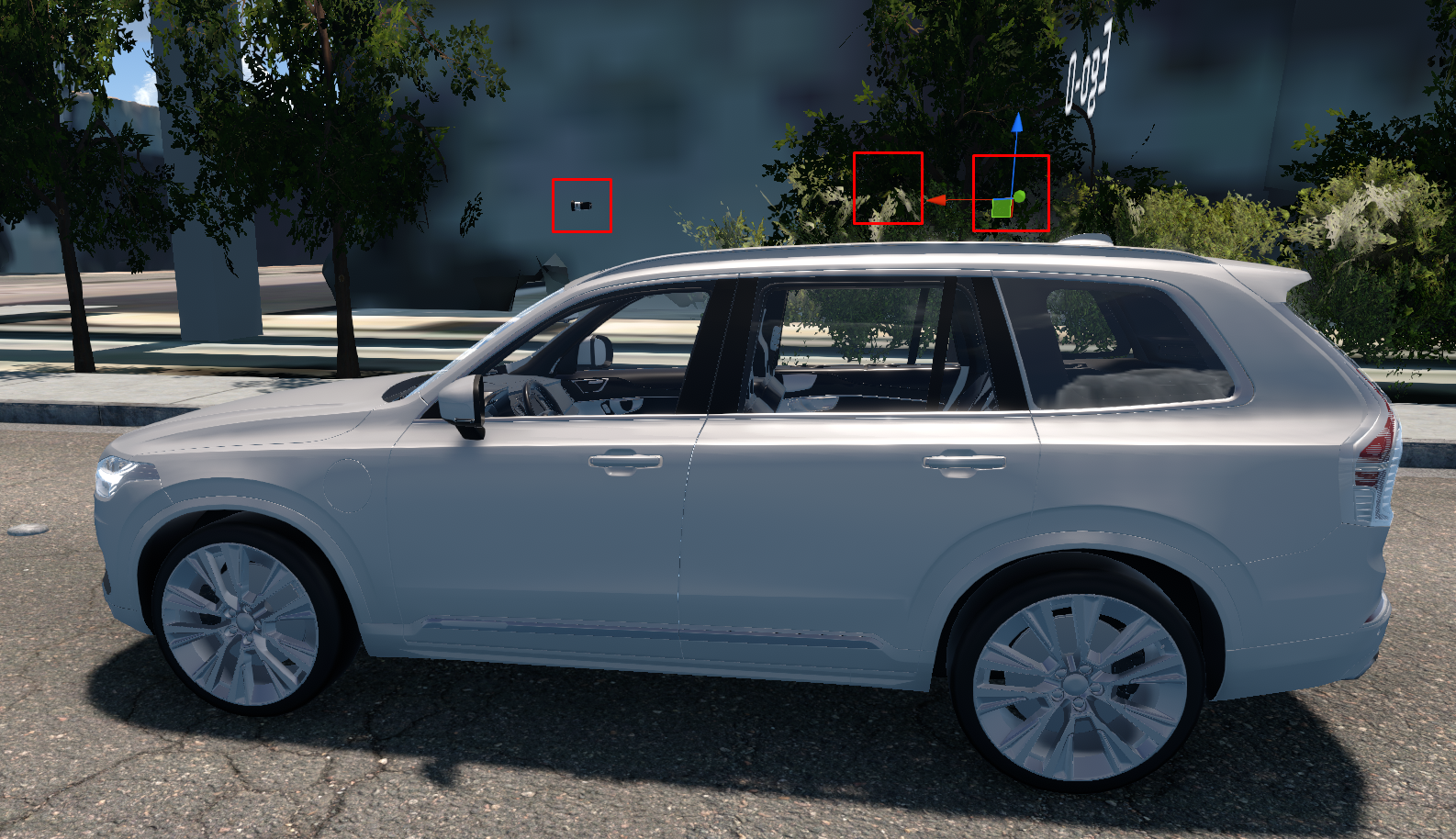
TF (Transform) is the function to display the vehicle and the sensor locations via coordinate transformations in the simulator.
This section explains TF functions that provide vehicle and sensor coordinate systems as ROS messages.
Use TF (Transform)
Go to Edit > Network Settings > ROS, then you will find the TF2Publisher option as below image.
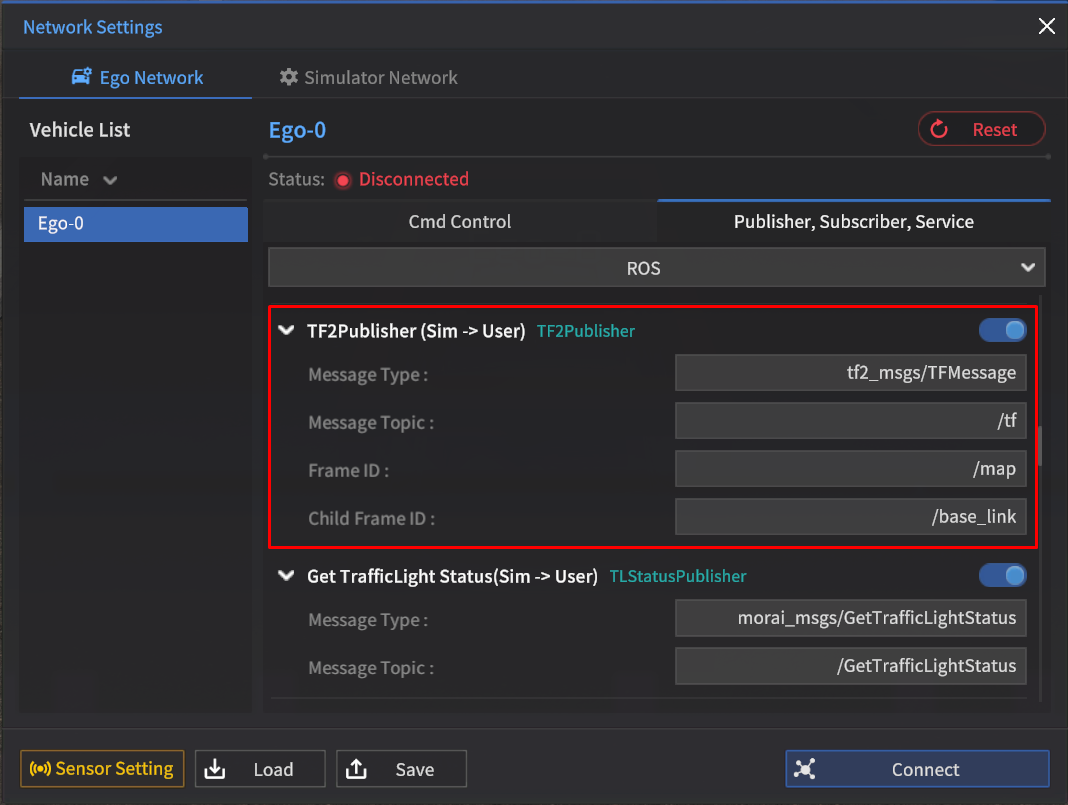
TF2Publisher (Sim → User)
Message Type : tf2_msgs/TFMessage
Default Topic : /tf
FrameID : /map
ChildFrameID : /base_link
Enter the Map coordinate system in Frame ID, and enter the Vehicle coordinate system in Child Frame ID.
Click Connect to connect the ROS network.

TF is only usable when the simulator network is connected to ROS.
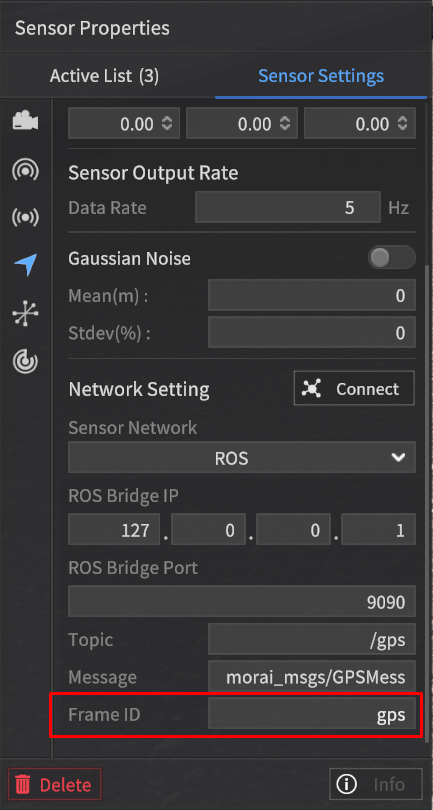
After the simulator network is connected to ROS, spawn sensors and set the each parameter as below image.
The sensor coordinate system is generated based on the vehicle coordinate system you set in the TF2Publisher options.
If you did not spawn the sensor, only the vehicle coordinate system is generated.
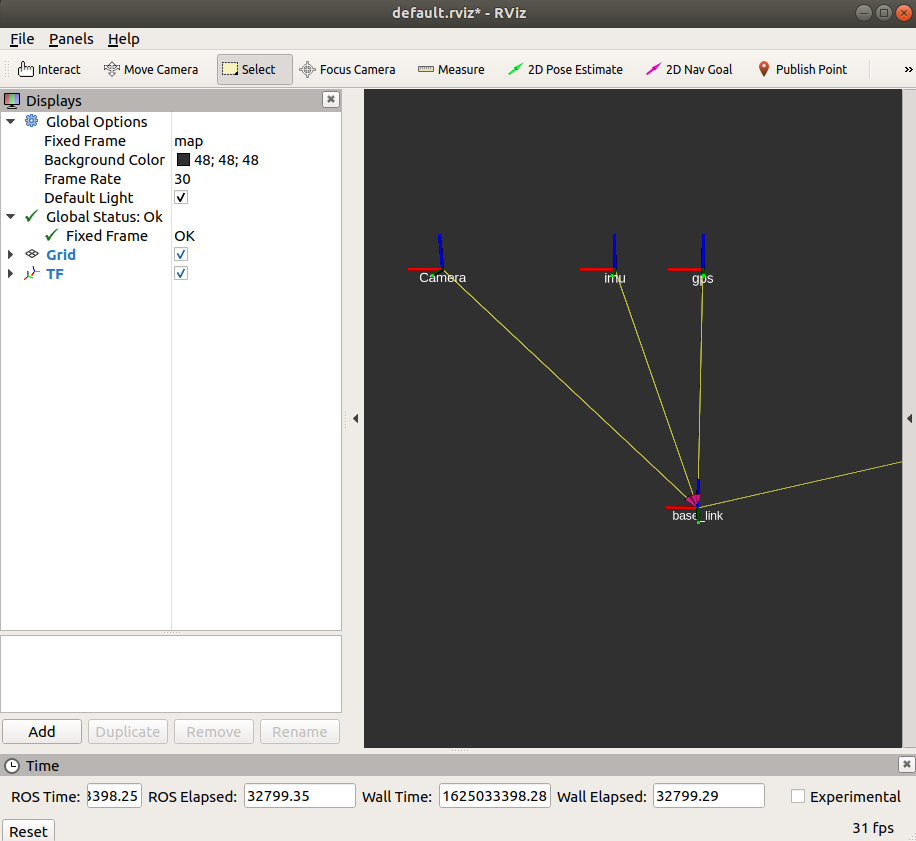
TF Visualization
You can visualize the TF in RViz.
Confirm the vehicle and sensor coordinate systems are well created based on the set map coordinate system.